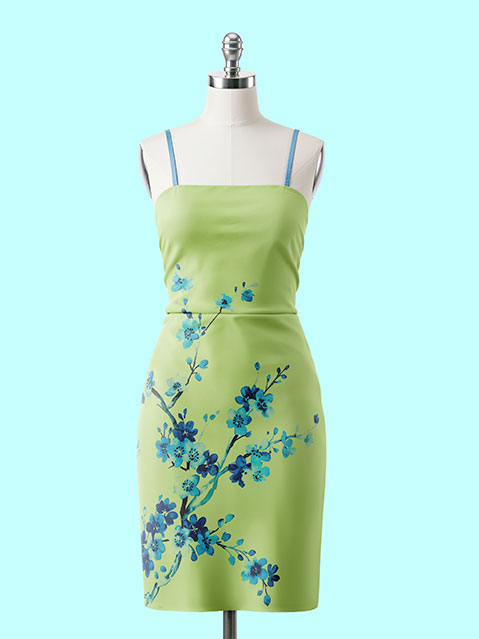
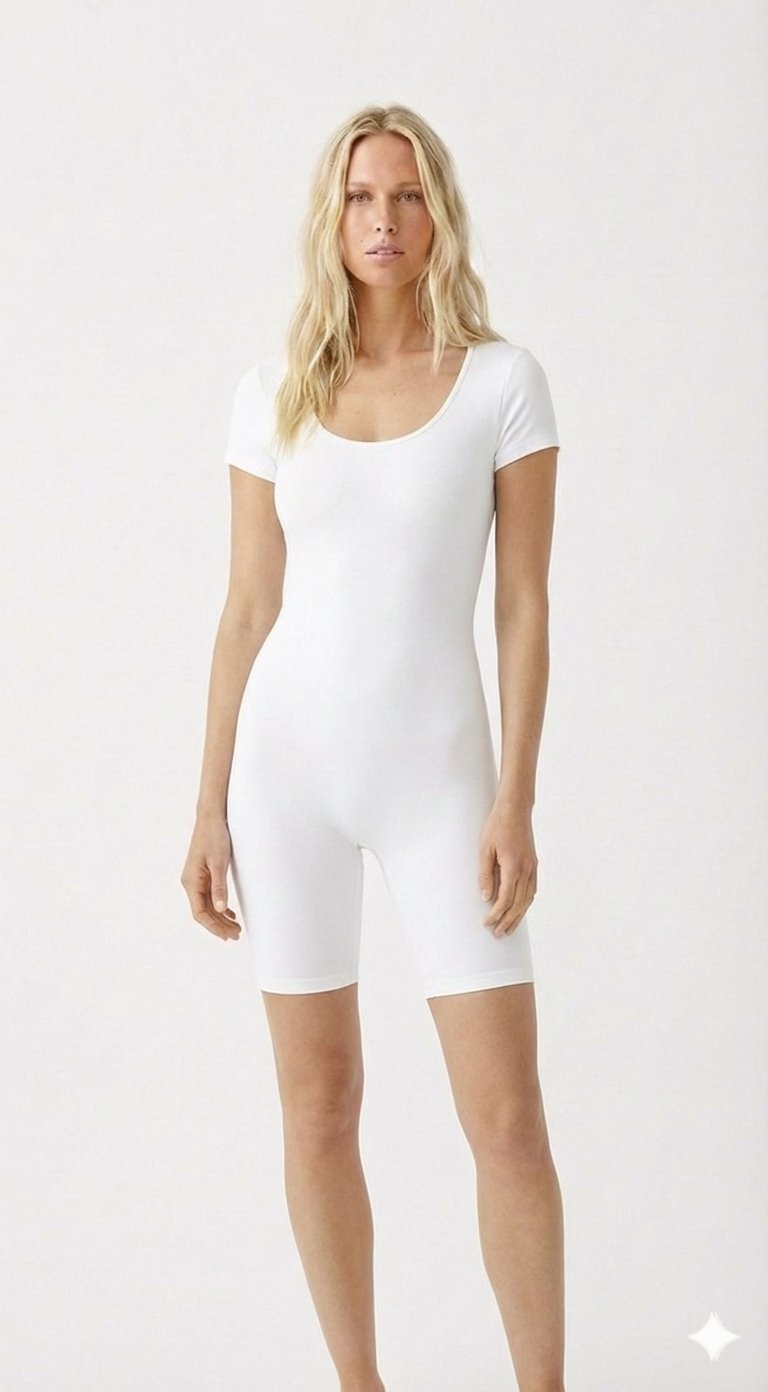
✨ Try It Free Services AI Studio Platform How It Works Pricing 📖 Guide Login Get Started
12-18 second virtual try-on — lightning-fast, photorealistic results

AI Virtual Try-On
for Modern Brands

Let your customers see how clothes look on them before they buy — photorealistic AI results in 12-18 seconds. Setup in 5 minutes.

Get Started for Free → See How It Works
No credit card required · 6 free AI credits
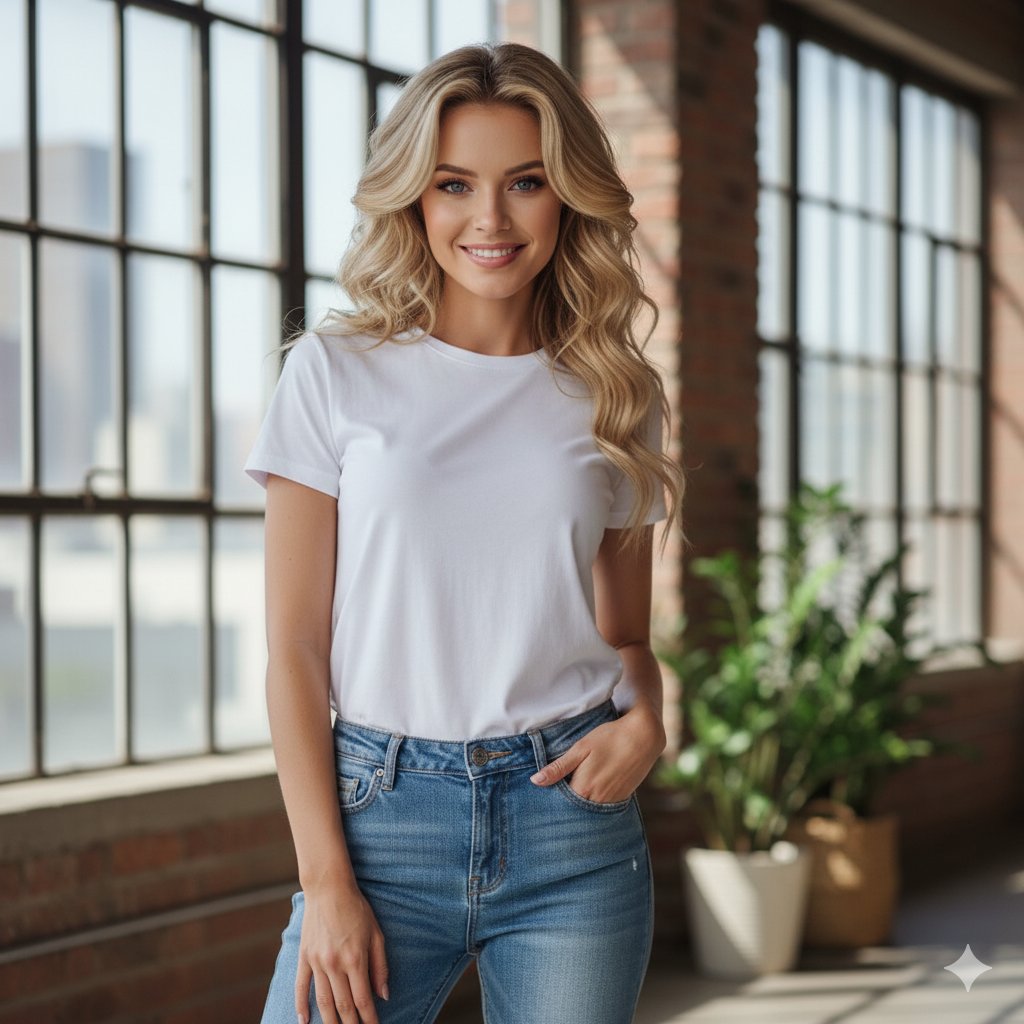
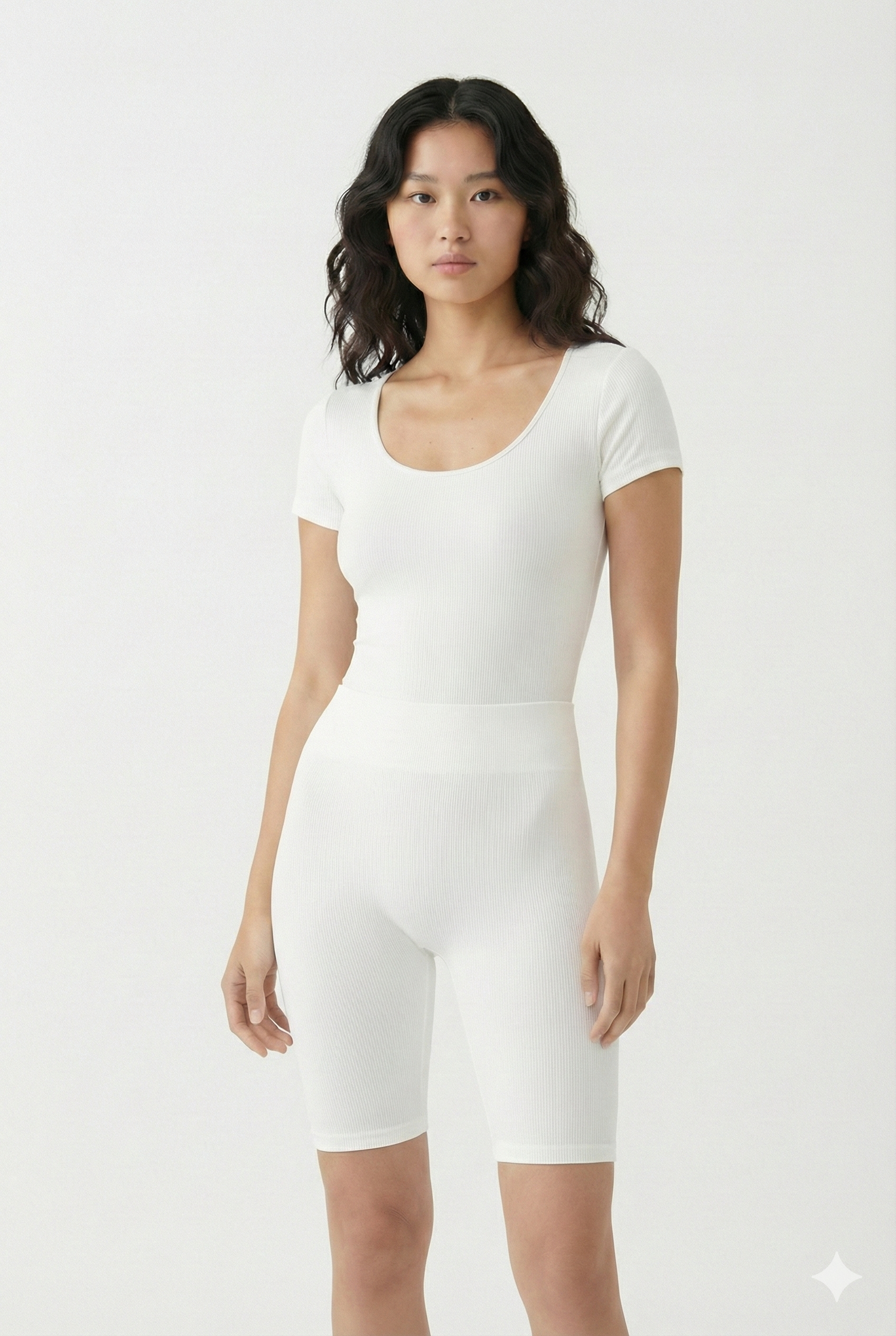
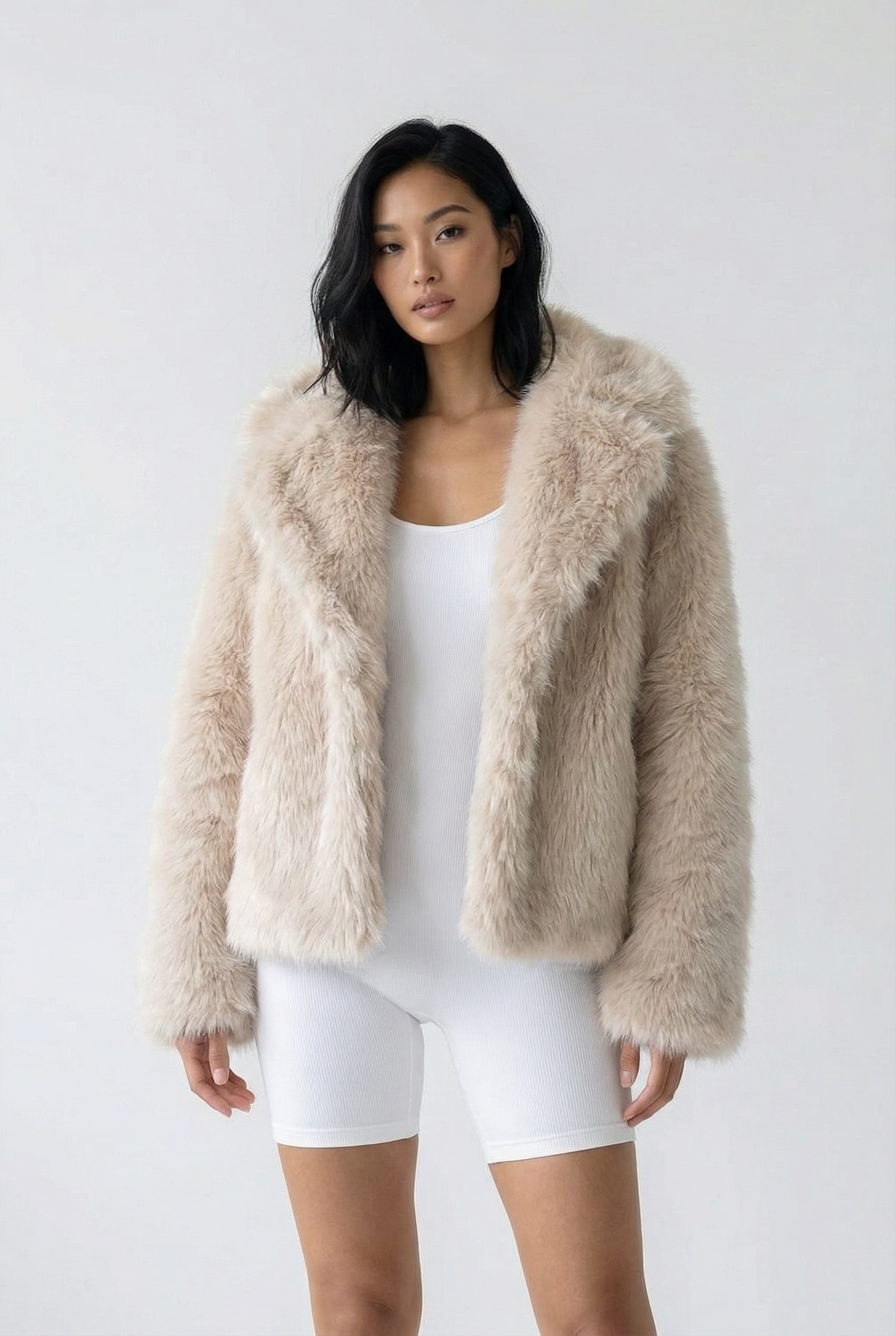
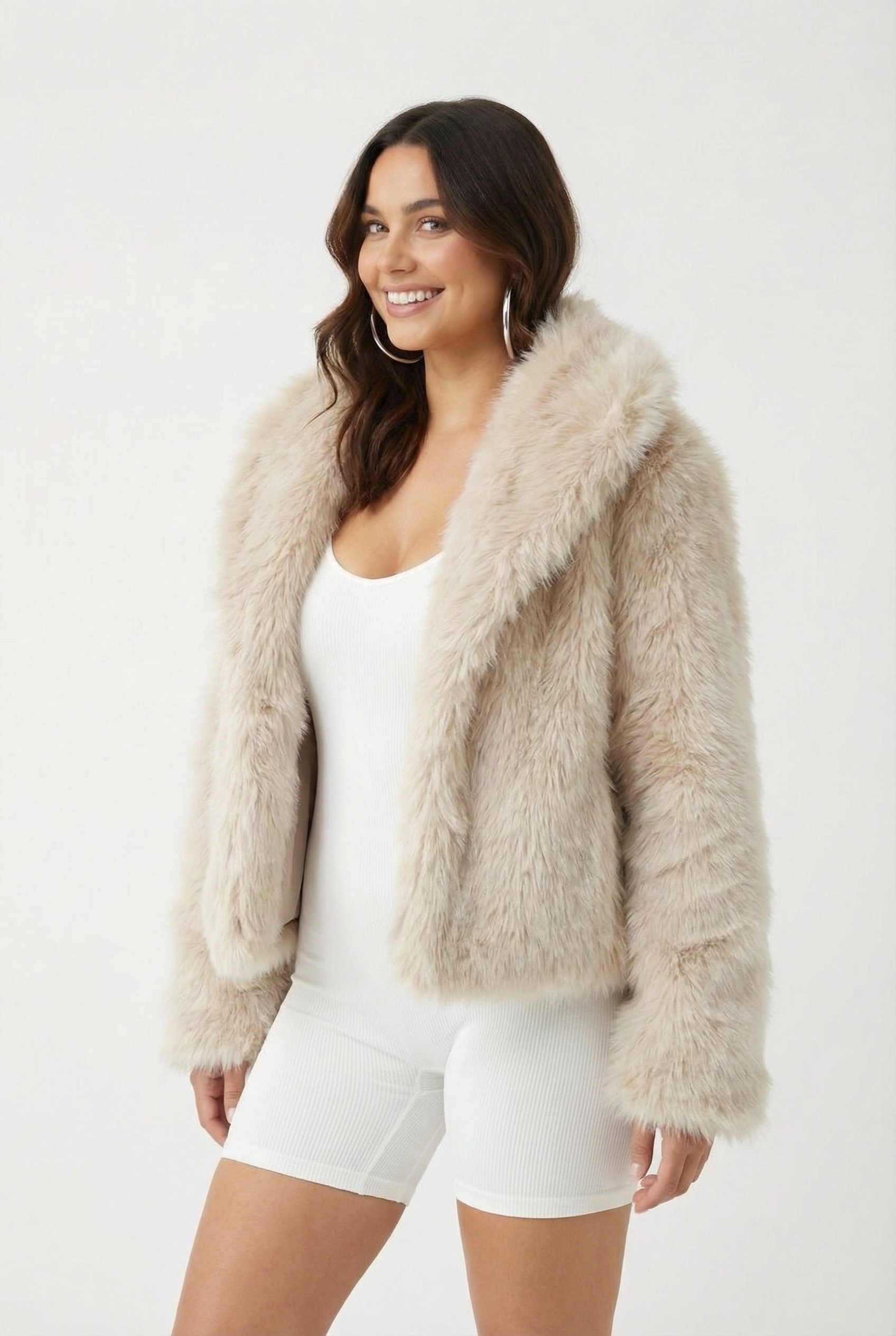
Before
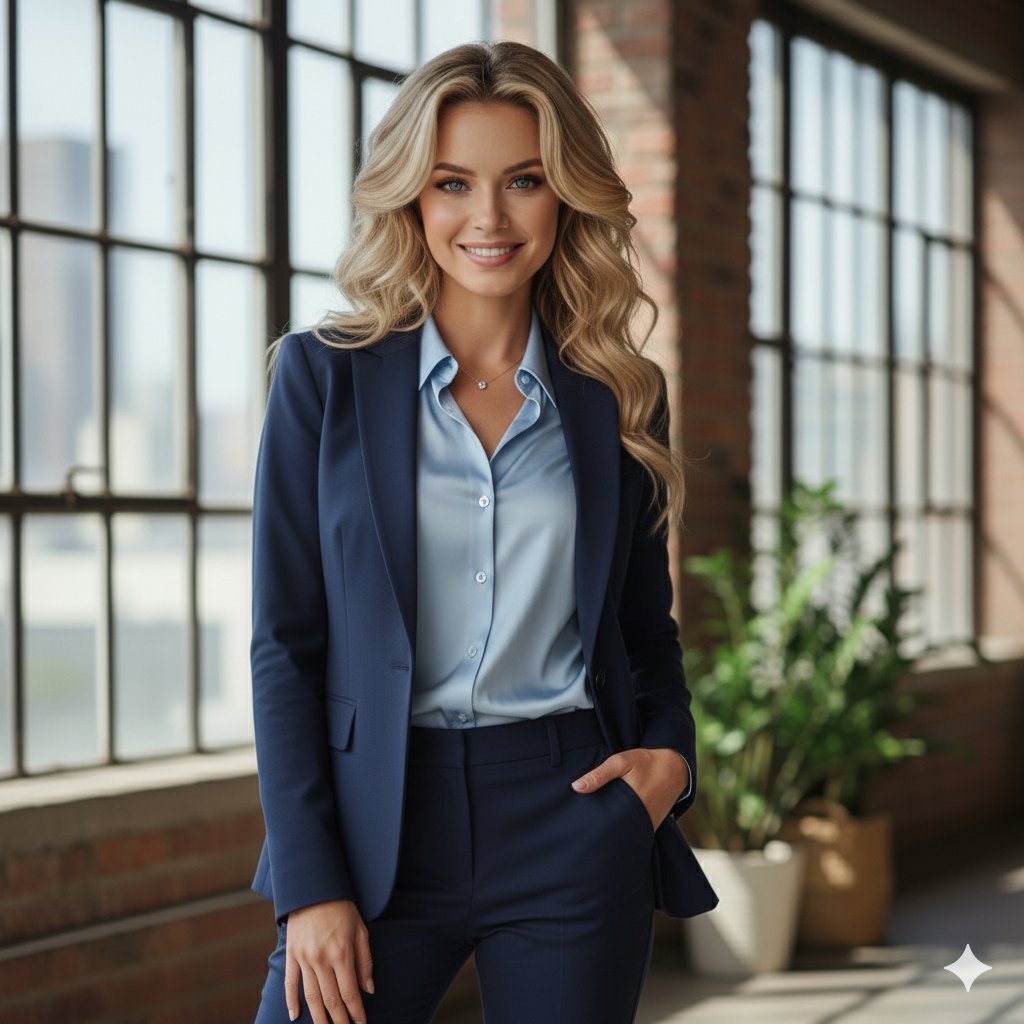
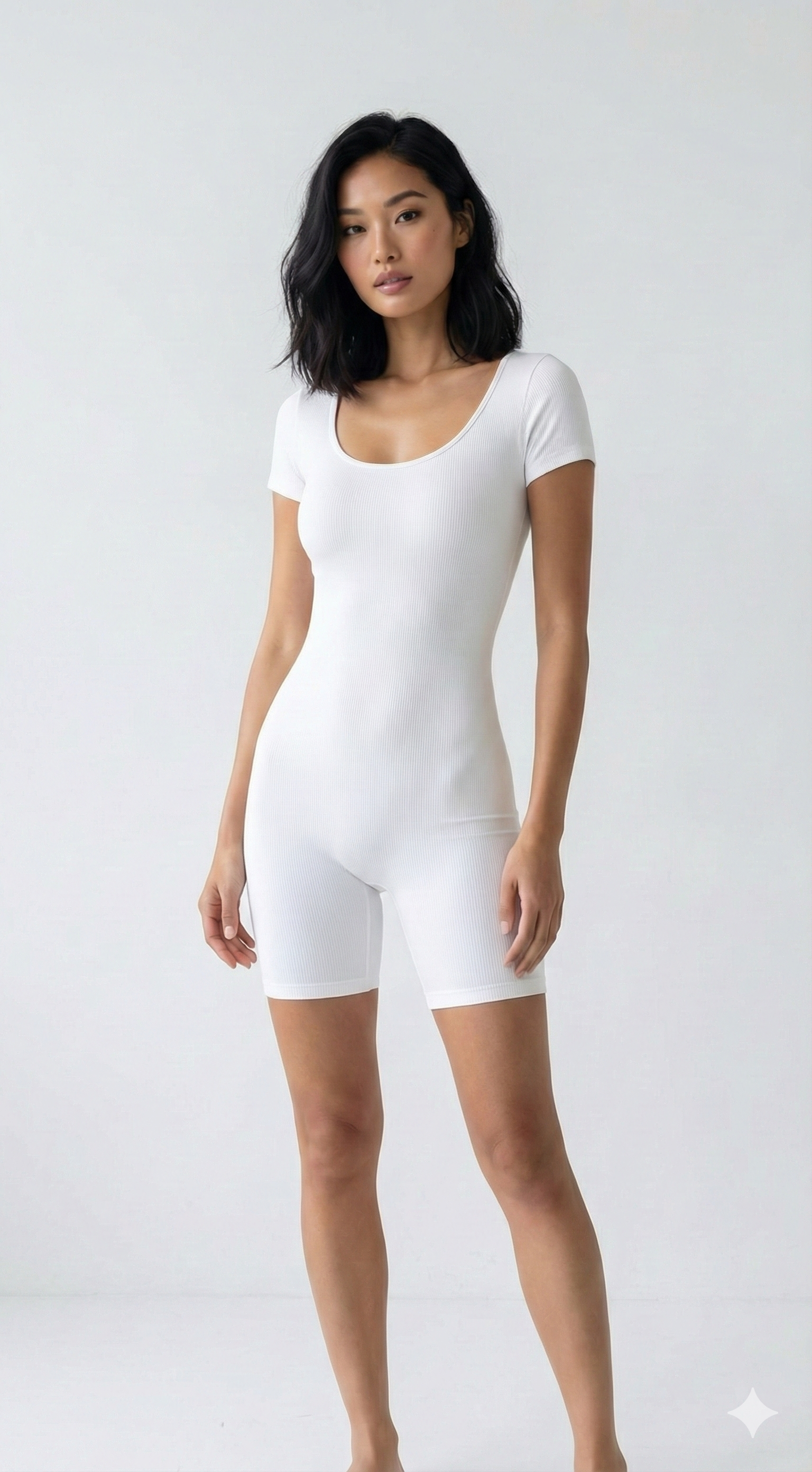
After
Original ✨ AI Try-On
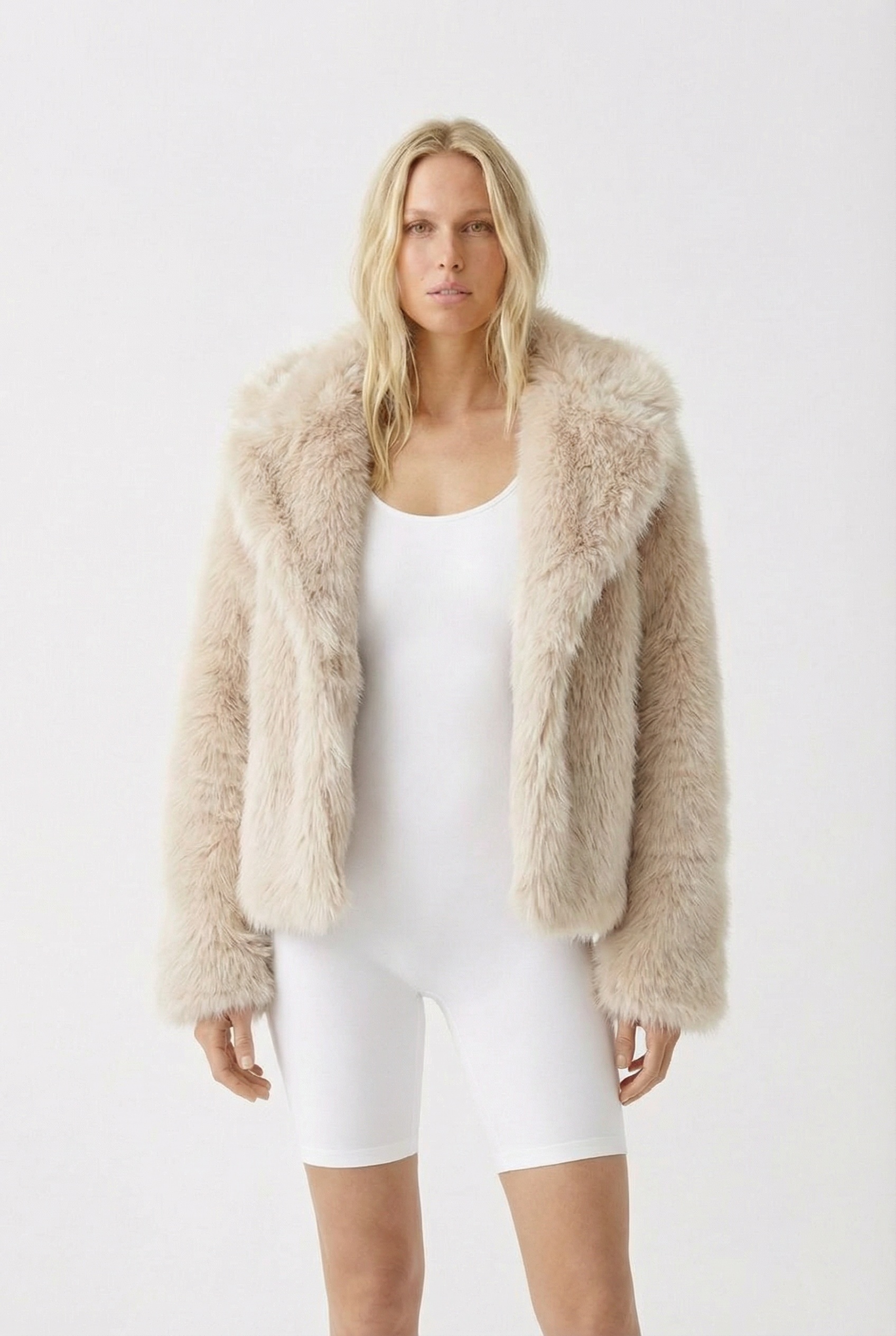
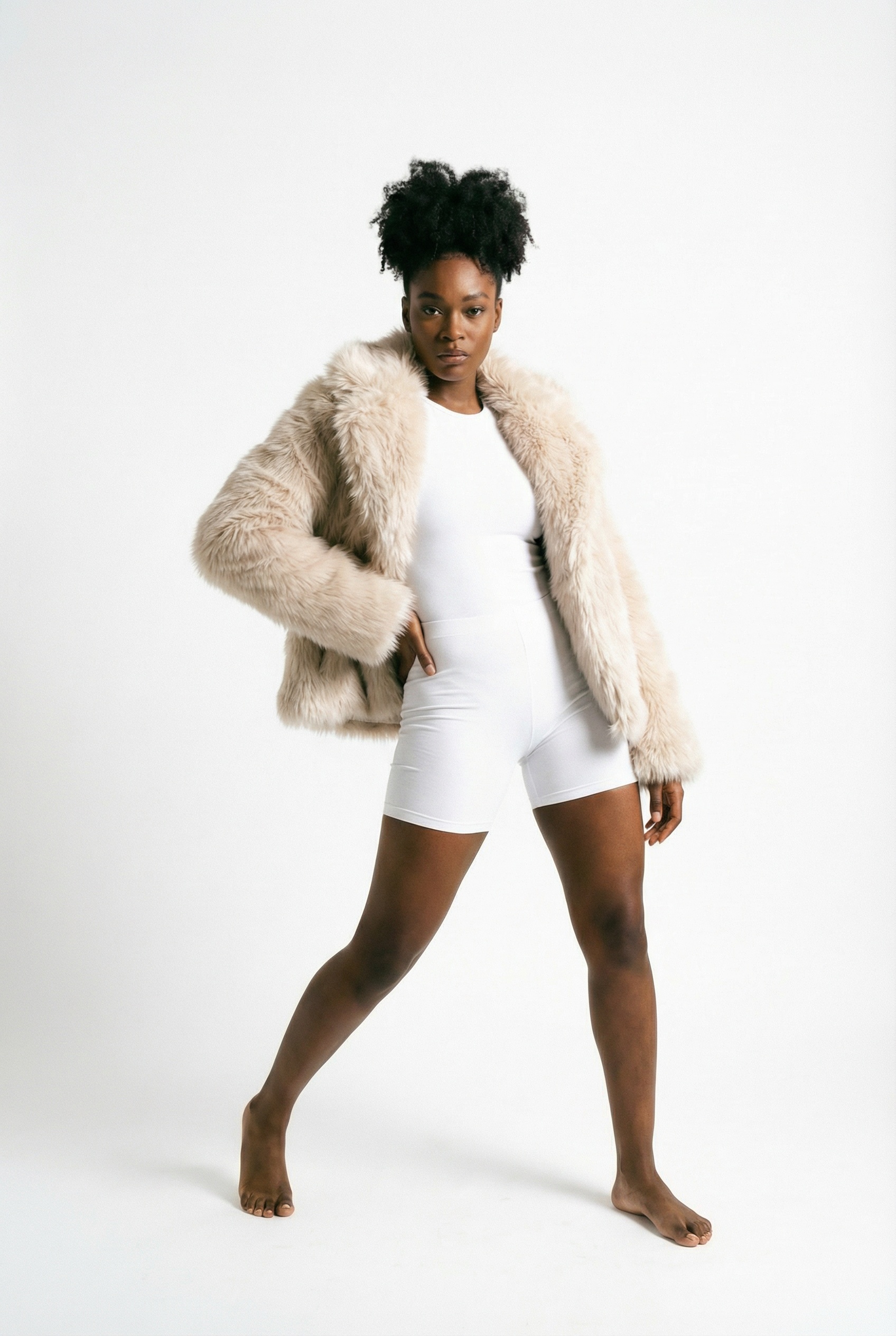
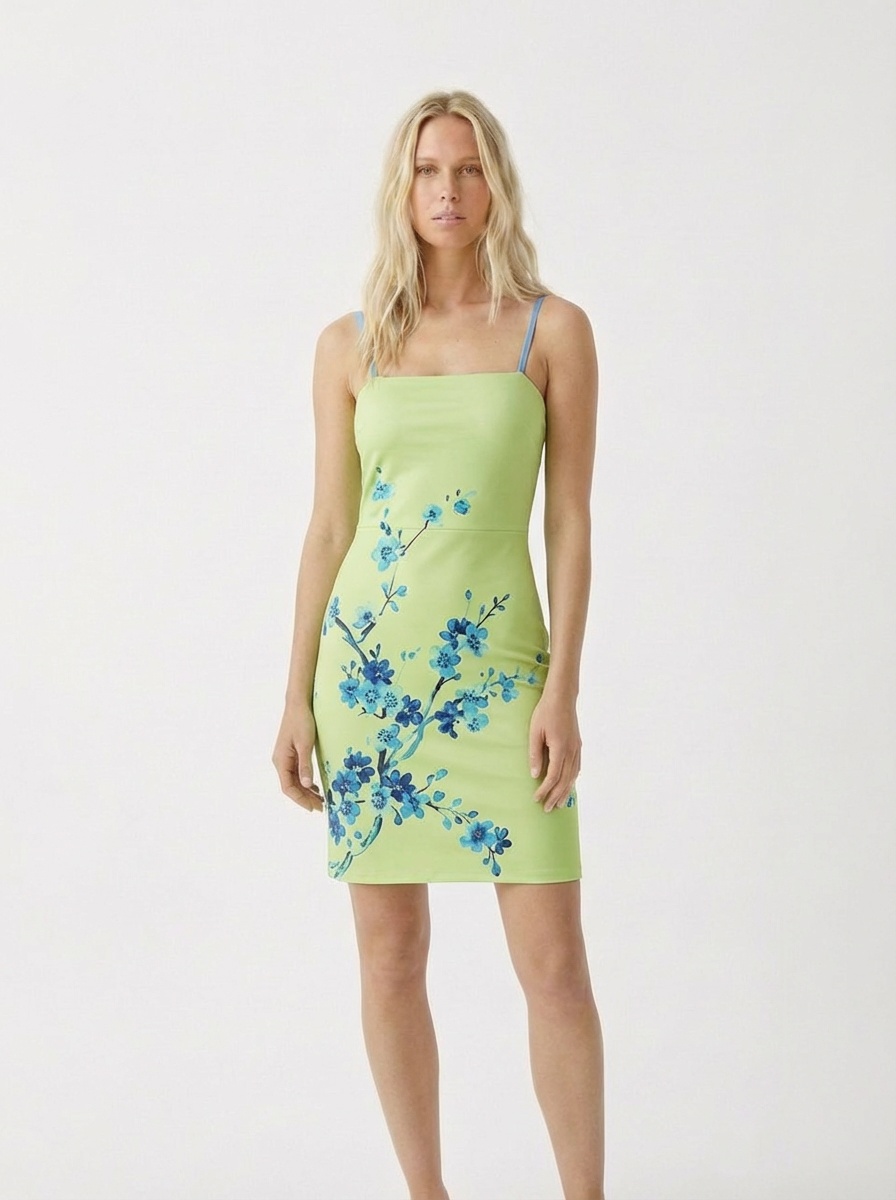
Before
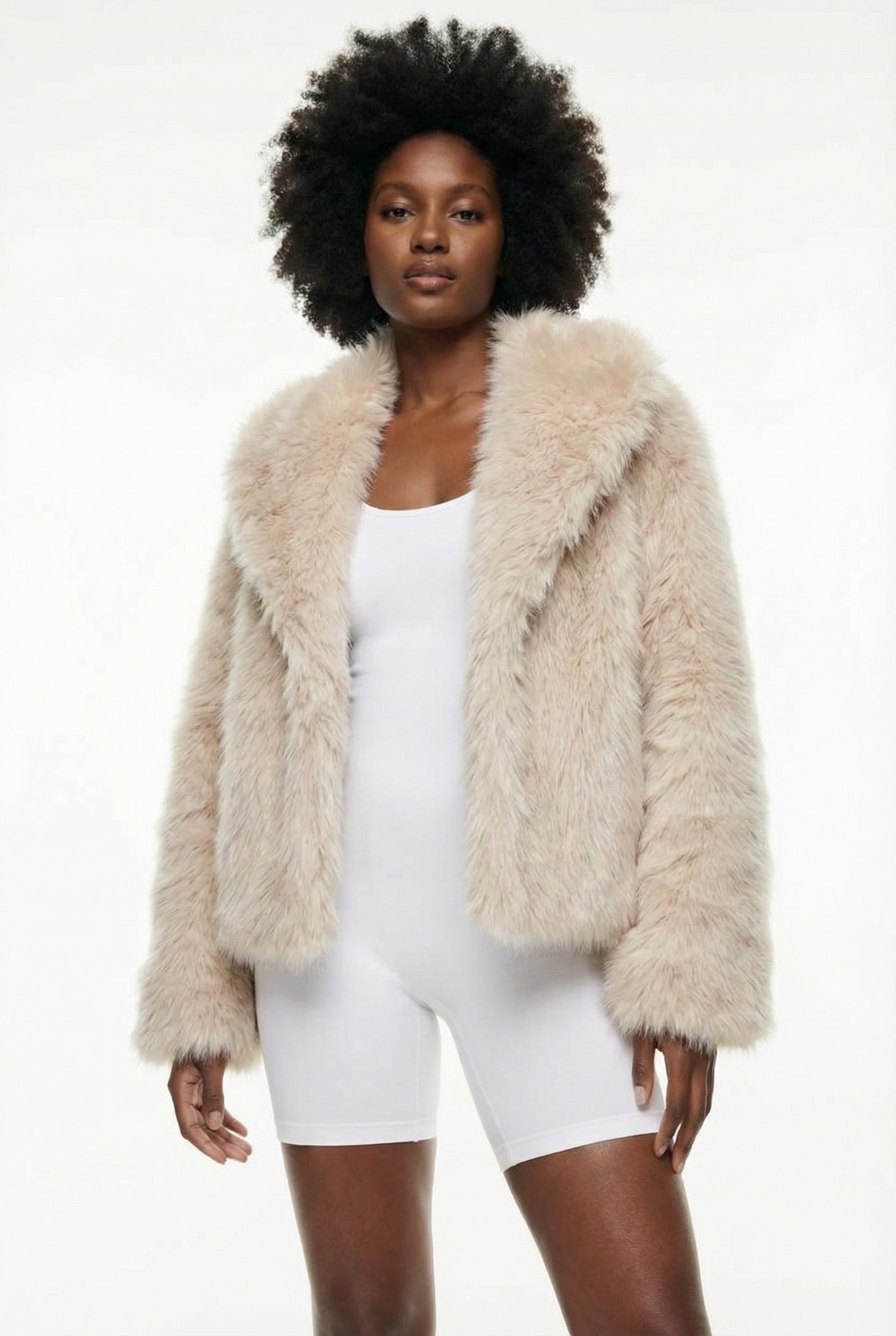
After
Original ✨ AI Try-On
Drag to compare
AI Try-On Showcase
Integrates with Shopify ✓ On the Shopify App Store Etsy ✓ Works with Etsy shops
Any website ✓ One-line widget embed

Upload & Try On — Right Now

Pick a look and see it on an AI model — or upload your photo and see it on yourself. Free virtual try-on, right in your browser.

No sign-up needed for the demo · Create a free account for 6 AI credits

Virtual Try-On

Customers see clothes on themselves before buying. Upload a photo, pick a garment — photorealistic AI result in 12-18 seconds. Tops, dresses, outerwear, swimwear.

12-18 sec results

Model Creator

Create your brand's own AI fashion models. Catalog poses, diverse styles, custom looks — saved to your library and served in your try-on widget.

Your brand, your models

AI Studio

Enhance your existing photos into professional fashion shots. Control lighting, pose, background, effects and expression. Up to 4K resolution.

$0 photography cost

Product Studio

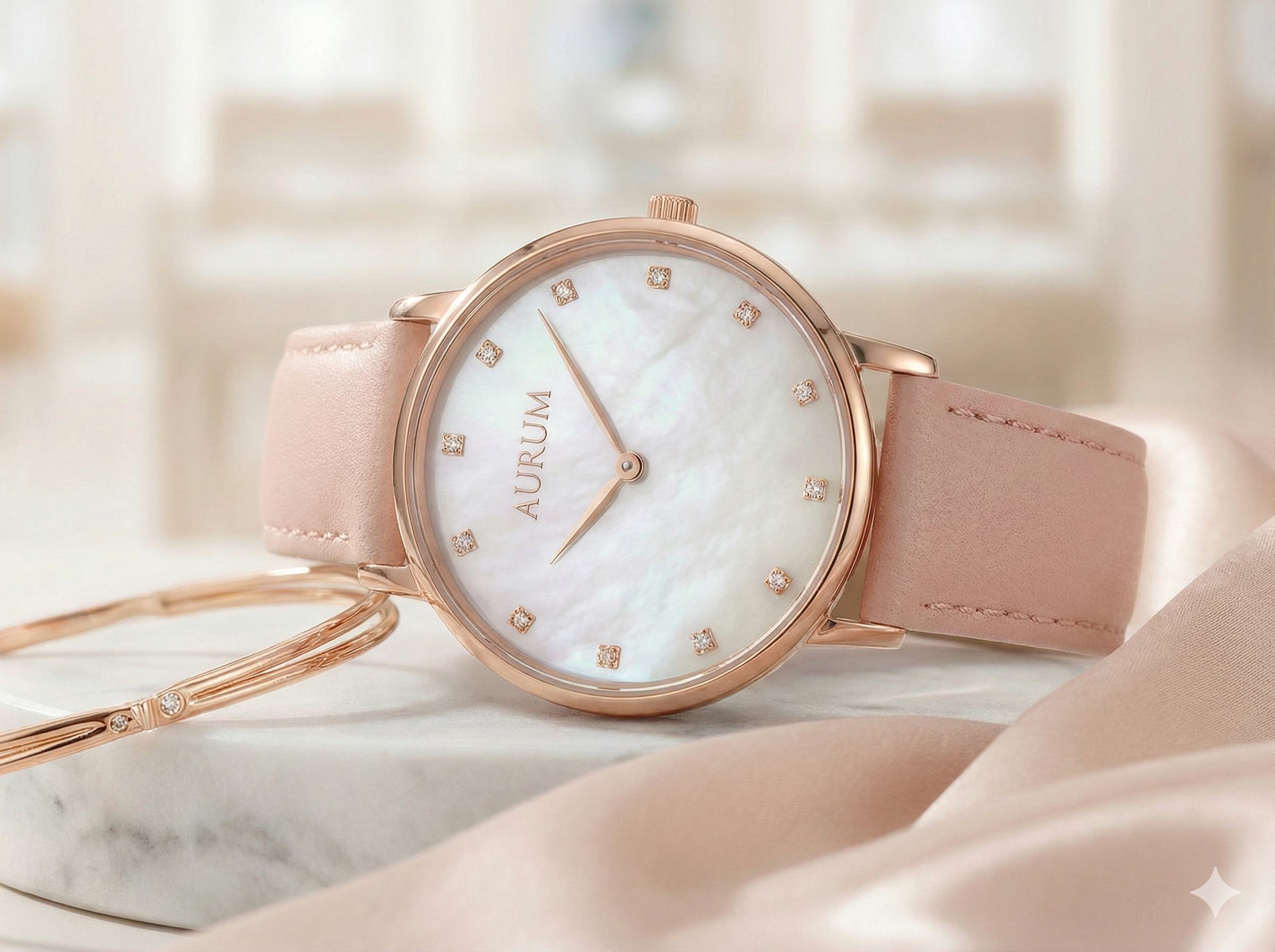
Transform any product photo into catalog-ready shots. Watches, bags, shoes, cosmetics — professional lighting, surfaces and special effects.

Catalog ready in minutes

Professional Product Shoots.
Zero Photography Cost.

Upload your product photo — AI generates stunning catalog-ready images with professional models. Create your own brand models with Model Creator, enhance with AI Studio, showcase with Product Studio.

Product Photo
Product
Your original product image
AI Studio
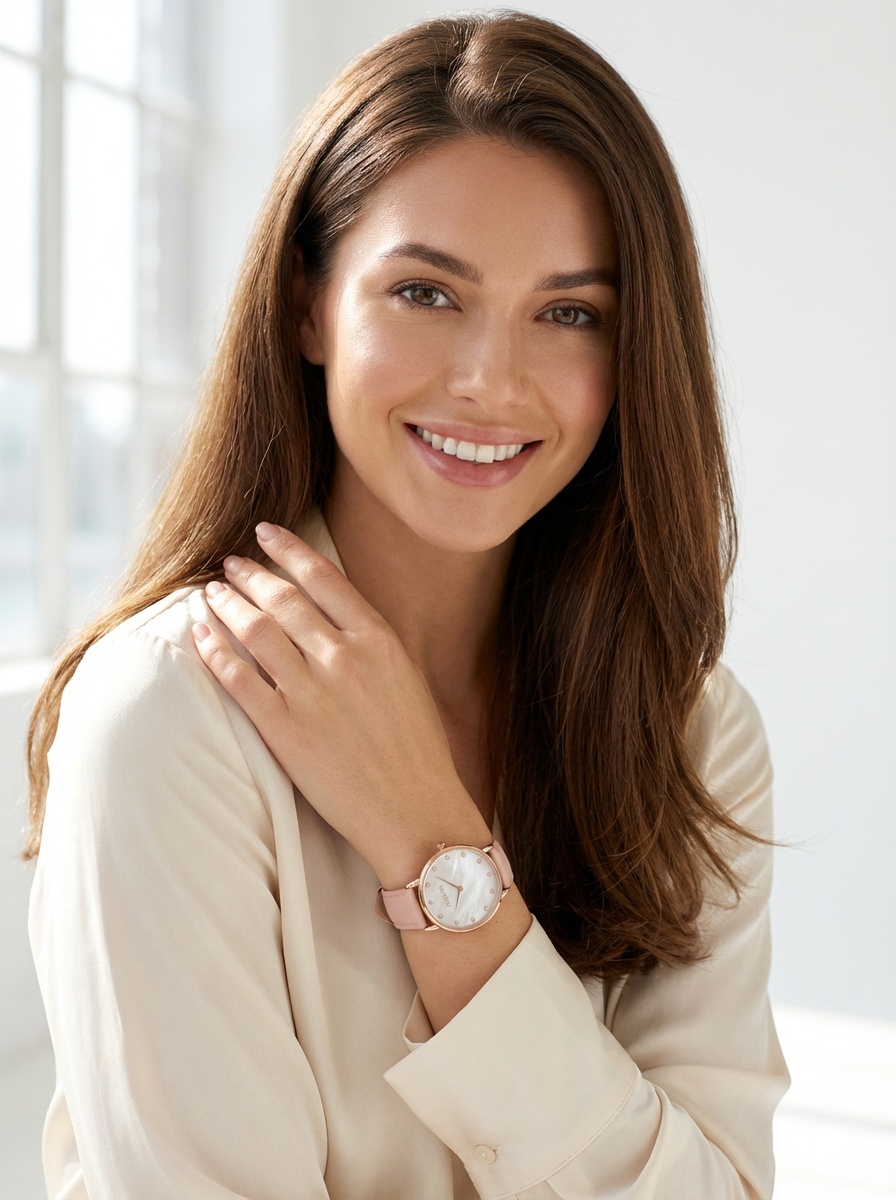
AI Generated Result
AI Result
Professional model showcasing your product

Product Showcase

Upload any product — bags, watches, shoes, cosmetics, jewelry — and get professional campaign-quality photos.

AI Model Generation

Create stunning fashion models from text descriptions or upload your own model photos.

Catalog Ready

Generate entire product catalogs in minutes. Professional lighting, multiple poses, various backgrounds.

$0Photography Cost
~30 secPer Image
4KResolution
15+Style Presets

Your Products, Brought to Life

One widget, instant AI try-on. Works with Shopify, WooCommerce, or any platform.

AI Try-On
✨ AI Try-On

Photorealistic Results

Your product, on your customer. HD quality, realistic fabric, natural lighting.

One-Click Setup

Install in one click from the Shopify App Store — or paste one line of code on Etsy or your own website. The try-on button appears instantly.

<script src="tryva.ai/widget/embed.js">
ShopifyWooCommerceCustom

Magic Try-On Button

A sleek button on your product pages. Tap, upload a selfie, see the result.

Silk evening dress product preview
$89.00 Silk Evening Dress

Everything you need to
sell with confidence

From AI-powered try-on to real-time analytics — a complete toolkit for modern fashion e-commerce.

Virtual Try-On

Customers upload a photo and see themselves wearing your products. Photorealistic AI results in 12-18 seconds. Supports tops, dresses, outerwear, swimwear and more.

HD Quality Auto Category

AI Studio

Enhance your photos into professional fashion shots. Full control over framing, lighting, pose, background, expression and visual effects. 15+ presets, up to 4K resolution.

4K Resolution Full Control

Product Studio

Transform any product photo into a catalog-ready shot. Professional surfaces, studio lighting, bokeh effects, water drops — no photographer needed.

10+ Categories Special Effects

Model Creator

Create your brand's own AI fashion models from text descriptions. Choose catalog poses, styles, lighting. Save to your library and serve directly in your store's try-on widget. 8+ model presets included.

Brand Models Widget Ready

Shopify Integration

Connect your Shopify store with one click. Manage products, sync inventory, publish try-on widgets — all from your dashboard. Tag-based model selection per product.

One-Click Auto Sync

Analytics Dashboard

Track every interaction — from widget views to add-to-cart. See your conversion funnel, top tried-on products, and your real lift: the add-to-cart rate of shoppers who try on vs. those who don't.

Conversion Funnel Try-On Lift

Turn browsers into
confident buyers

Tryva helps e-commerce brands save thousands on returns while increasing sales.

AI virtual try-on result showing reduced returns
📉 Reduce Returns

Cut down on
surprise returns

The #1 reason customers return clothes: "it didn't look like I expected." Tryva eliminates guesswork.

AI garment visualization boosting e-commerce conversions
📈 Boost Conversions

Confidence
that converts

When customers can visualize products on themselves, they buy with confidence.

One line code integration for Shopify virtual try-on
⚡ 5-Minute Setup

One line of code.
That's it.

No complex SDKs, no backend changes. Paste a single JavaScript snippet. Works with Shopify, WooCommerce, or any platform.

Three simple steps

From integration to live virtual try-on in minutes, not months.

Step 1: Integrate Tryva with one line of code
STEP 01

Integrate

Copy one line of JavaScript and paste it into your store template.

Step 2: Customer uploads a photo for virtual try-on
STEP 02

Upload

Customers tap the "Virtual Try-On" button and upload a photo.

Step 3: AI generates photorealistic try-on result
STEP 03

Try On

AI generates a photorealistic image of them wearing the product. Magic.

12–18 sec
AI Processing
5 min
Setup Time
1
Line of Code
4K
Max Resolution

Integrates with

Shopify Etsy
Any website

Your photos are yours.
Always.

Tryva processes your original photo once and discards it. AI-generated results can be saved to your account. We never train AI on your photos.

No AI Training

Your customers' images are never used to train any AI model. Guaranteed contractually.

Client-Side First

Photos are compressed in the browser before being sent. Minimum data transfer.

Encrypted Transfer

All data transmitted over TLS/HTTPS. No logs, no traces.

🔏

How it works: Customer photo → compressed in browser → encrypted transfer → AI processes once → result returned → original photo deleted. Total time: under 30 seconds. Only results you save are kept.

Invest in conversions, not guesswork

Every plan pays for itself. Reduce returns, boost sales, delight customers.

📉 Cut down on surprise returns
📈 Turn try-ons into checkouts
Setup in 5 minutes
📸 No photoshoot required
Free
$0
Try before you commit
  • 6 AI credits (one-time)
  • Virtual Try-On
  • AI Studio access
  • No credit card required
Starter
$29 /mo
For small boutiques
  • 100 AI credits / month
  • Virtual Try-On + AI Studio
  • Boost customer engagement
  • Reduce product returns
  • Easy Shopify install
Pro
$139 /mo
For high-volume brands
  • 800 AI credits / month
  • API access for custom integration
  • Dedicated account manager
  • White-label option
  • Works with your existing store
  • All Growth features

🎁 Start with 6 free AI credits — no credit card required. Try before you commit.

Frequently Asked Questions

Straight answers on virtual try-on, AI fashion models, pricing and privacy.

What is the best virtual try-on solution for clothing brands?

The best solution depends on store size. For small and mid-size clothing brands, Tryva is the fastest to launch: a one-click Shopify app or one line of JavaScript, photorealistic results in 12-18 seconds, from $29/month with a free 6-credit tier. Enterprise retailers with custom catalog automation needs may prefer Vue.ai.

How can my customers virtually try on clothes on my online store?

Install a try-on widget. With Tryva: add the Shopify app or paste one line of JavaScript, and a 'Virtual Try-On' button appears on product pages. Shoppers upload one photo and see themselves wearing the item in 12-18 seconds — photos are processed once and never used for AI training.

What is the best AI fashion model generator for ecommerce product photos?

For ecommerce product photos, Tryva generates a photorealistic model from a text description in 15-30 seconds — longer than a customer try-on, which returns in 12-18 seconds — saves it to a reusable library, and can set it as the default model in your store's try-on widget. From $29/month with 100 credits, about $0.29 per image.

Can I create AI fashion model photos without a photoshoot?

Yes. Upload a flat-lay or hanger photo of your garment and an AI try-on tool renders a realistic model wearing it — no studio, no model booking. A one-day fashion shoot runs $2,000-$8,000 for 40-80 images (about $30-$130 per image); AI on-model images on Tryva's $29 plan work out to roughly $0.29 each. Full cost breakdown →

Is Zeekit still available?

No. Walmart acquired Zeekit in May 2021 and folded it into Walmart's own shopping experience; there is no standalone Zeekit product a brand can license. For photo-based try-on on your own store, current alternatives include Tryva (from $29/month), Vue.ai (enterprise) and Zyler. Verified status of all three pioneers →

Does Tryva train AI on my customers' photos?

No. Customer photos are processed once to generate the try-on result and then discarded — never used to train AI models, guaranteed contractually. Results a shopper saves are kept in their account; everything else is deleted after processing.

How does AI virtual try-on work?

Customers upload a photo of themselves, select a garment, and our AI generates a photorealistic image of them wearing the product in 12-18 seconds.

Is my data safe with Tryva?

Yes. Original photos are processed in real-time and automatically discarded. AI-generated results can be saved to your account. We never use photos for AI training.

How long does setup take?

Setup takes about 5 minutes. Just paste one line of JavaScript code into your store template.

Which virtual try-on software works on ecommerce platforms other than Shopify?

Any store where you can add a script tag. Tryva runs on WooCommerce, BigCommerce, Squarespace, Wix and custom storefronts through one line of JavaScript — the same widget the Shopify app installs. Zakeke is another option, with a dedicated WooCommerce plugin. Either way, setup takes about five minutes.
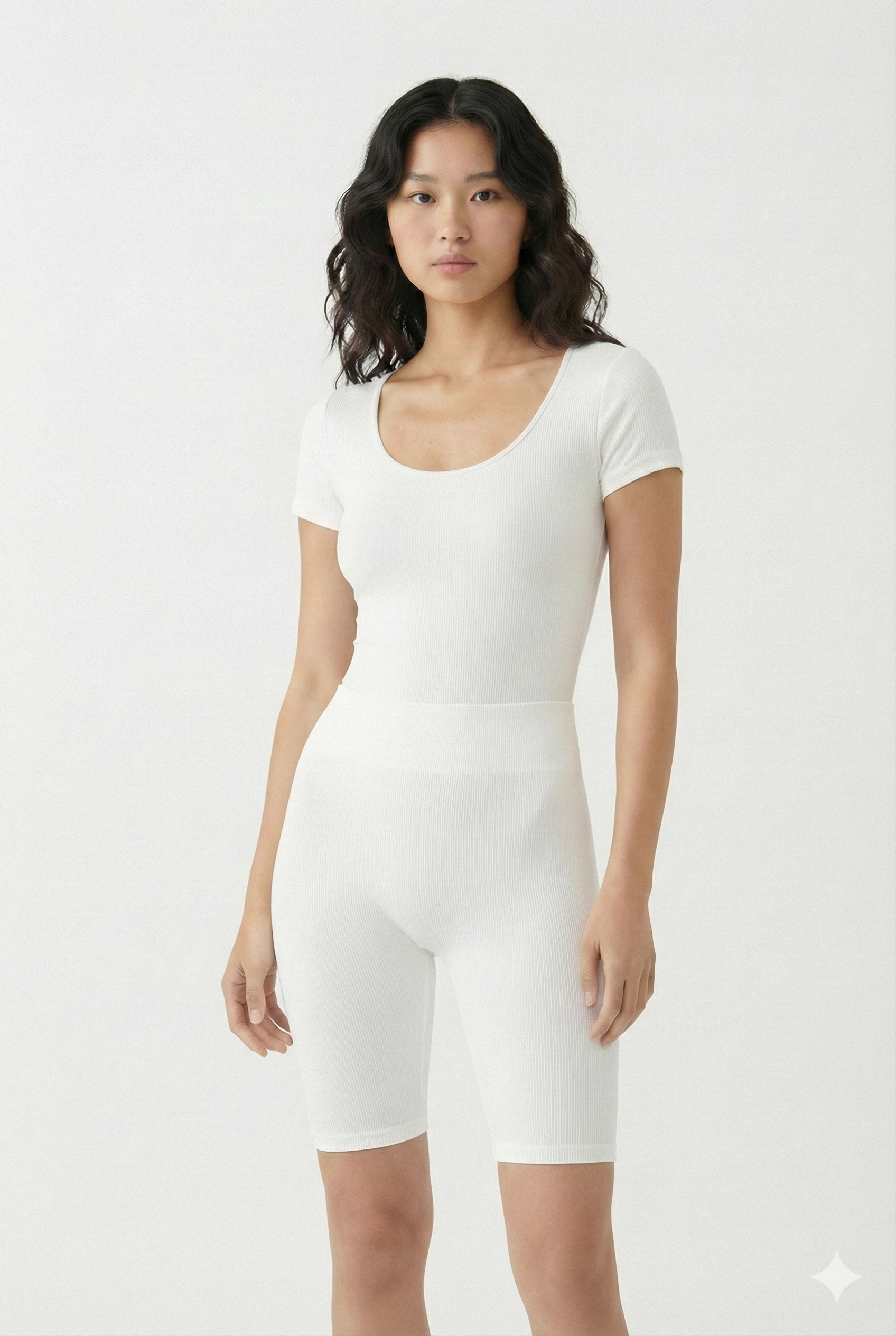
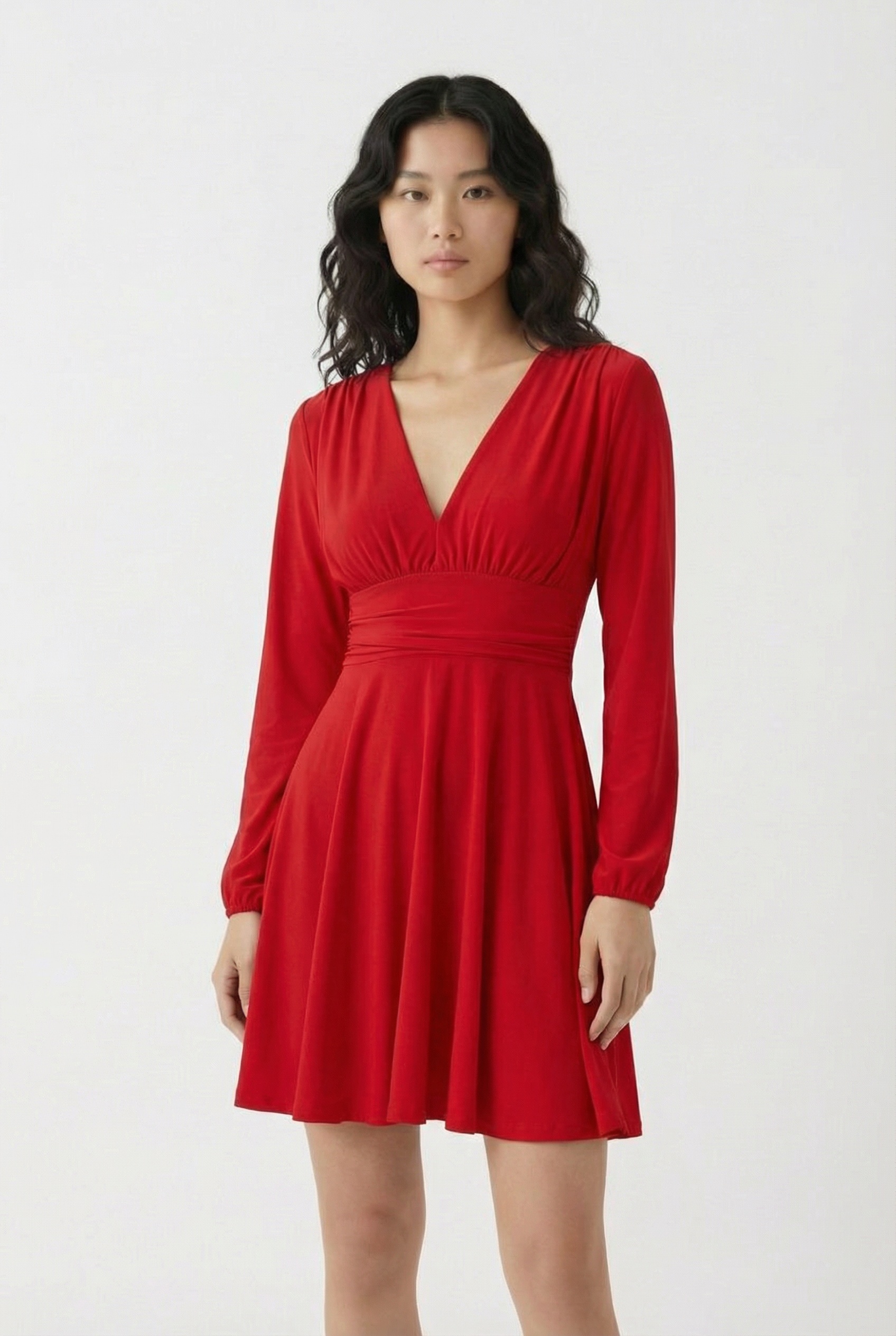
Fact-checked guides & comparisons

Dated, sourced and re-verified — research we publish for fashion e-commerce teams.

Research

Is Zeekit Still Available?

AI assistants still recommend Zeekit, Fits.me and Metail. We verified the real status of all three — with primary sources.

Cost analysis

AI Models vs a Real Photoshoot

Line-by-line 2026 shoot costs versus $0.29-per-image AI math for a 100-SKU season — including where AI loses.

Comparison

9 Best Botika Alternatives

Pricing, Shopify fit and customer try-on across nine real tools — plus the ones AI assistants recommend that no longer exist.

All articles →

Upgrade your store with
AI virtual try-on

6 free AI credits included · No credit card required